

Schedule a Survey Release
- How to: Open the Survey Editor, switch to the Settings tab. Scroll down to Response Options, Toggle the “Release Survey on Date”.
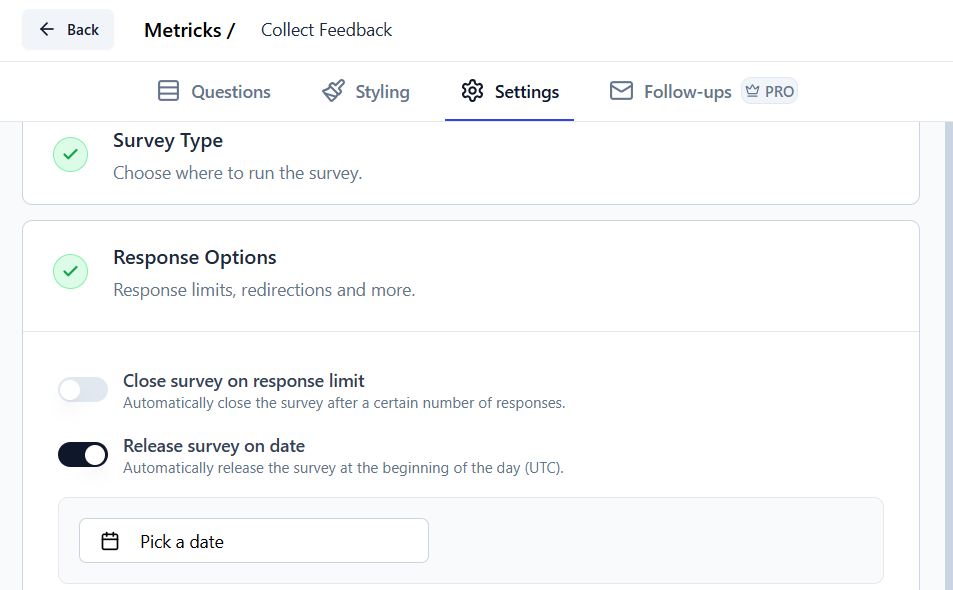
- Details: Choose the date and time when the survey should become available to respondents. All times follow UTC timezone.
- Use Case: This is useful for launching surveys in alignment with events, product releases, or specific marketing campaigns.
Automatically Closing a Survey
- How to: Open the Survey Editor, switch to the Settings tab. Scroll down to Response Options, Toggle the “Close survey on date”.
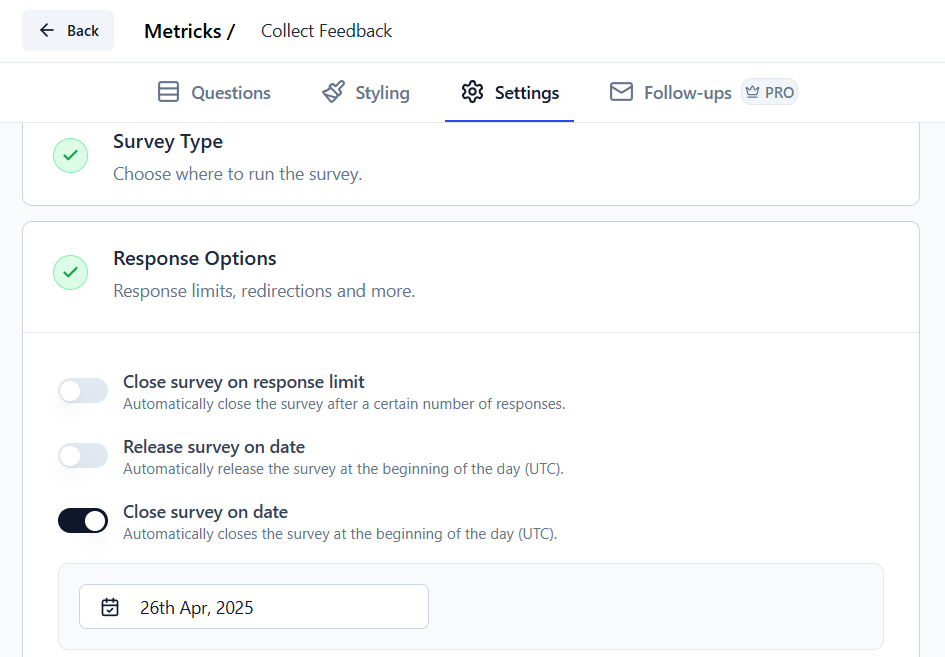
- Details: Define a specific date and time for the survey to close. This also follows UTC timezone.
- Use Case: Essential for surveys linked to time-bound events or studies where data collection needs to end at a specific point.