> ## Documentation Index
> Fetch the complete documentation index at: https://docs.feedbackflowhq.com/llms.txt
> Use this file to discover all available pages before exploring further.
# Single Use Links
> Make sure that each respondent only replies once with single use links.
This guide will help you understand how to generate and use single-use links within our application.
## Purpose
* Single-use links (or one-time / disposable links) are URLs that grant access to a survey only once.
* The primary purpose of single-use links is to assure that no respondent submits a survey twice.
## Using Single-Use Links with Feedbackflow
Using single-use links with Feedbackflow is quite straight-forward:
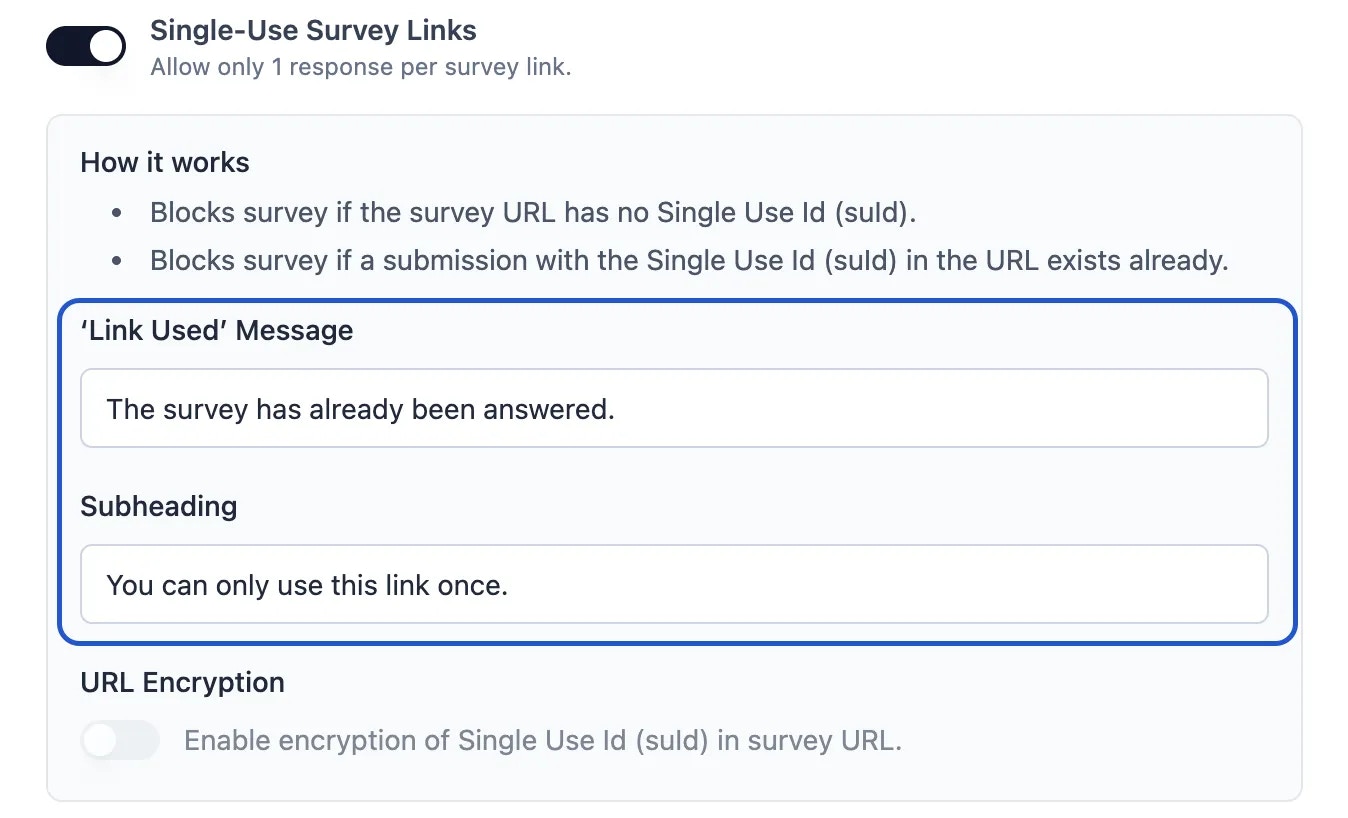
1. In the survey settings, toggle "Single Use Link" on:
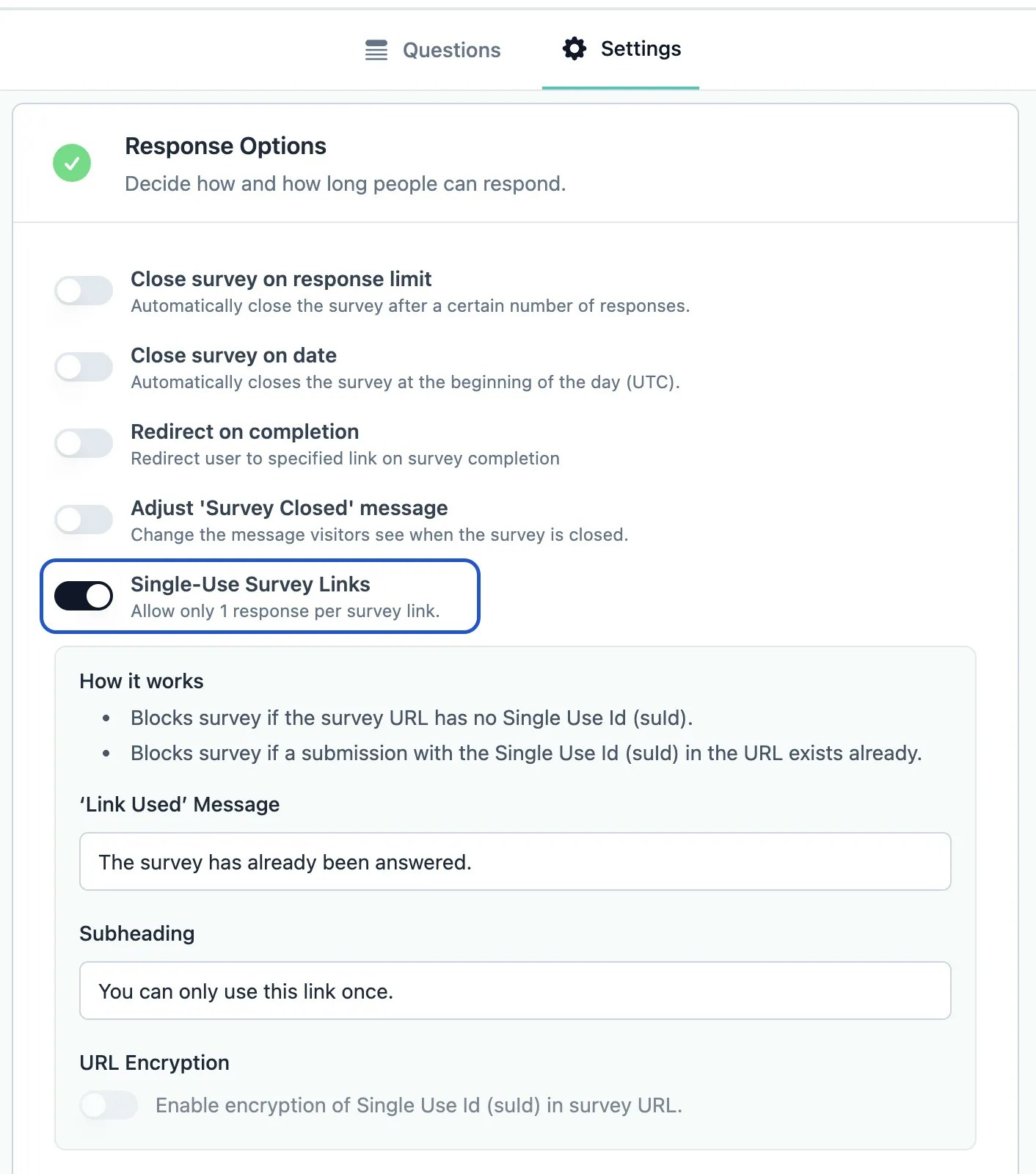 2. When you publish your survey, the following modal will open:
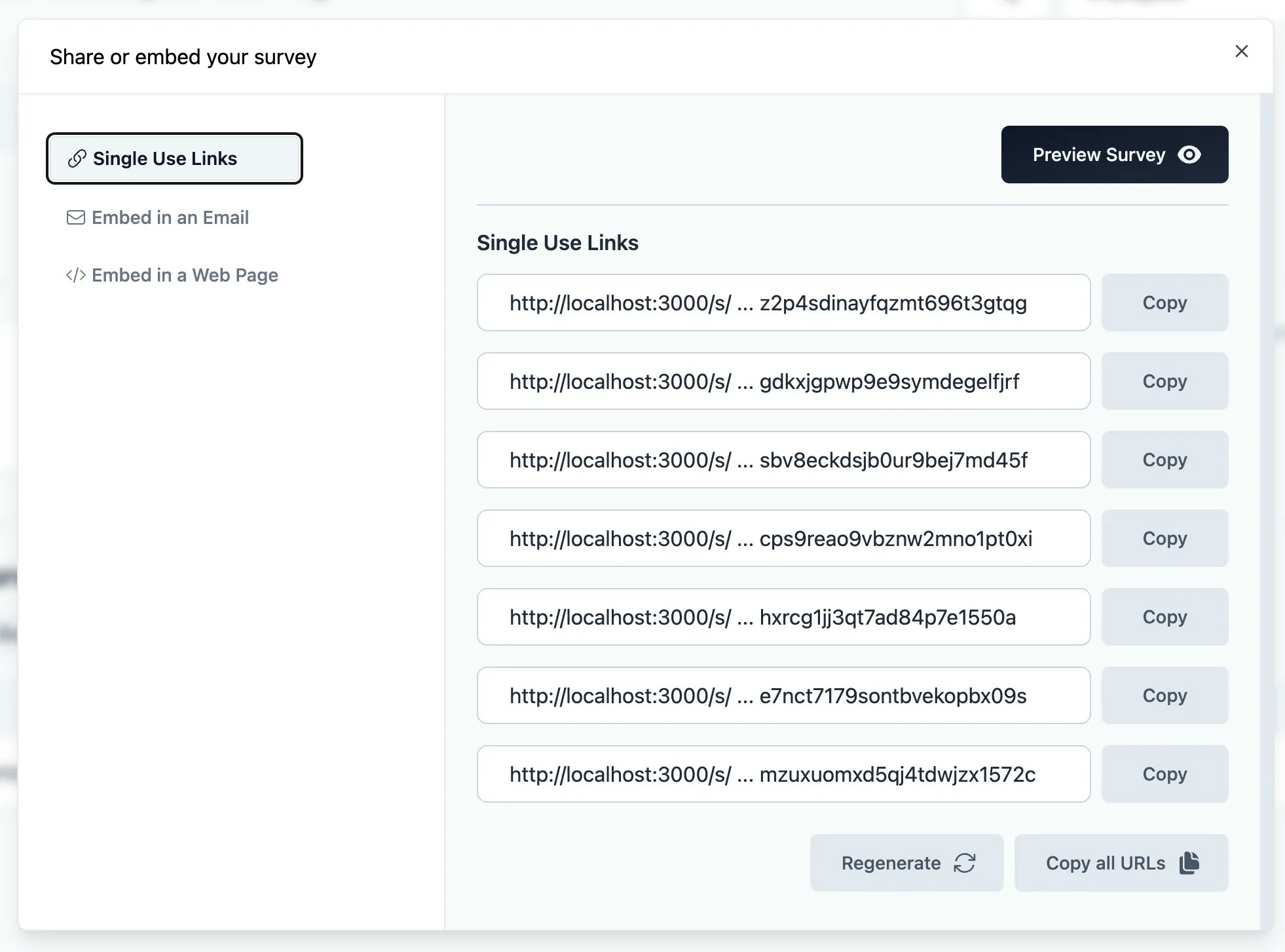 Here, you can copy and generate as many single-use links as you need.
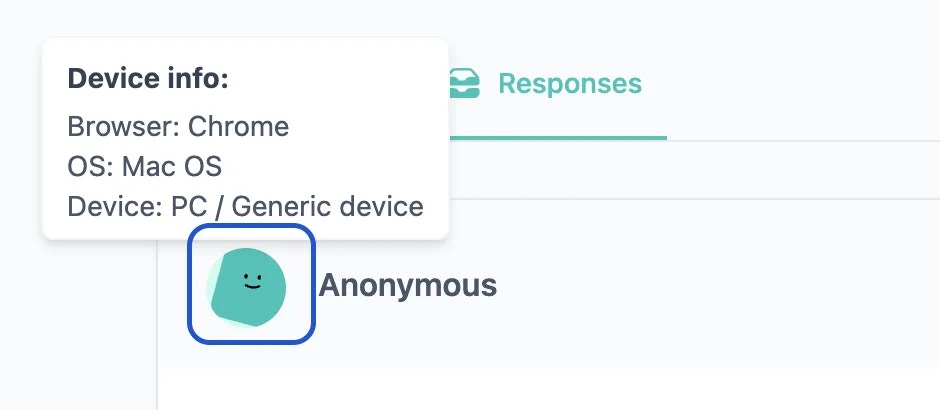
## Check suId of a submission
You can find the suId of each submission in the submission meta data. To view it, simple hover over the Avatar:
Here, you can copy and generate as many single-use links as you need.
## Check suId of a submission
You can find the suId of each submission in the submission meta data. To view it, simple hover over the Avatar:
 ### 'Link used' message
You can customize the 'link used' messaging in the Survey Editor settings:
### 'Link used' message
You can customize the 'link used' messaging in the Survey Editor settings: